
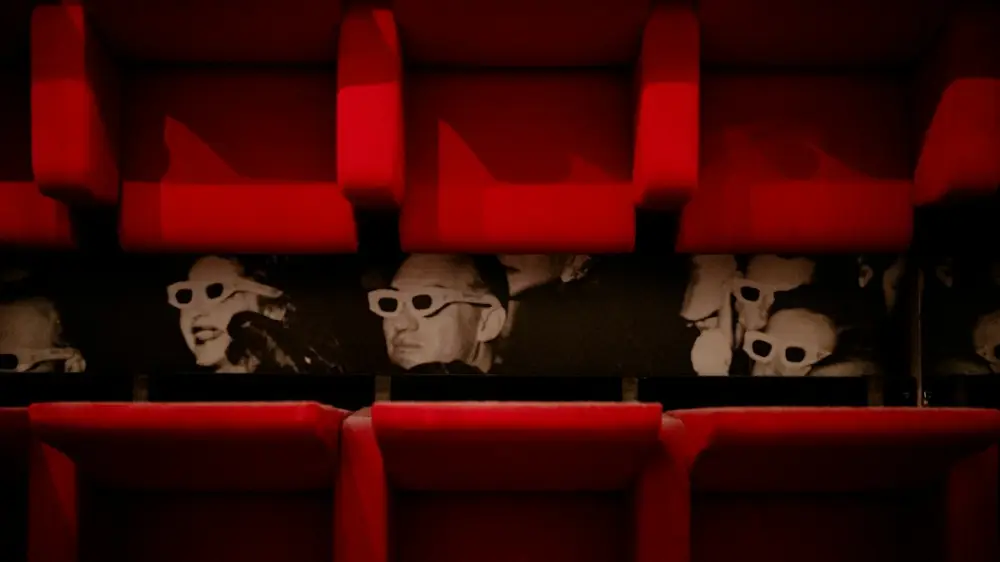
A VR cinema experience is an immersive digital simulation that allows viewers to watch films within a 360-degree virtual environment. By using a VR headset, audiences are transported into a virtual screening room or directly into the movie's world, offering a sense of scale and presence unattainable through traditional flat-screen displays.
This format moves the viewer from a passive observer to a participant in a curated digital space. Instead of looking at a physical television, the user wears a device that tracks head movement, allowing them to look around a virtual theater, interact with other digital avatars, or experience 3D depth that mimics real-world vision.
The Evolution of Immersive Movie Formats
The transition from standard 2D projection to virtual reality has been driven by the need for greater sensory engagement. Early attempts at immersion relied on stereoscopic 3D glasses in physical theaters, but these were limited by the fixed edges of the screen. Today, technology is transforming the way we by removing these physical boundaries entirely.
Current formats generally fall into two categories: 360-degree video and true spatial VR. In 360-degree video, such as the documentary Clouds Over Sidra, the camera captures every angle simultaneously, allowing the viewer to turn their head to see the environment. Spatial VR, often built in game engines like Unity or Unreal Engine, allows for "six degrees of freedom" (6DoF), where the viewer can actually walk around the virtual theater or lean closer to the screen.
Essential Hardware and Software for VR
To access these experiences in 2026, a high-resolution Head-Mounted Display (HMD) is required. Standalone headsets like the Meta Quest 3 or the Pico 4 have become the industry standard for accessibility, as they do not require a tethered PC. For those seeking the highest possible visual fidelity, spatial computers like the Apple Vision Pro offer micro-OLED displays that eliminate the "screen-door effect" common in older hardware.
On the software side, applications serve as the bridge between the movie file and the headset. Software like Skybox VR or Bigscreen Virtual Cinema allows users to load their own digital files into a simulated environment. These apps often include features such as:
- Dynamic Lighting: The virtual room glows based on the colors currently appearing on the movie screen.
- Spatial Audio: Sound appears to come from the direction of the virtual speakers, shifting as you turn your head.
- Environment Presets: Options to watch in a space station, a luxury home theater, or a classic drive-in.
How to Set Up Your Virtual Screening Room
Setting up a virtual cinema requires more than just putting on a headset; it involves optimizing your physical and digital environment for comfort. First, ensure your physical seating is supportive for long-duration viewing. Many users prefer a swivel chair, which allows for effortless 360-degree rotation without straining the neck. Clear a small "guardian" or boundary area to avoid bumping into furniture if the experience involves interactive elements.
Digital optimization is equally important. For the best experience, use high-bitrate video files (such as 4K or 8K MKV files) rather than low-quality streams. When using an app like Bigscreen, you can host a private room and invite friends from different geographical locations. Their avatars sit in the virtual seats next to you, and you can speak to each other in real-time while the movie plays in perfect synchronization on the big screen.
Where to Find High-Quality VR Content
Content discovery is the final step in the immersive journey. Platforms like YouTube VR offer a massive library of user-generated 180-degree and 360-degree videos, ranging from travelogues to short films. For high-end cinematic productions, Meta Quest TV and the AmazeVR app provide professionally produced content specifically filmed with specialized VR camera rigs.
Beyond traditional films, many creators are exploring interactive entertainment beyond the traditional narrative structure. For example, Spheres is an interactive journey through the cosmos that blends cinematic storytelling with light gameplay elements. These experiences are often found on digital storefronts like SteamVR or the Quest Store, categorized under "Cinematic" or "Entertainment" rather than "Games."
First Steps Toward Your Own VR Home Cinema
Transitioning to a virtual viewing environment is straightforward when you approach the setup methodically. To begin your journey into immersive cinema, follow these actionable steps:
- Start by selecting a headset that matches your comfort needs and offers a resolution high enough to eliminate the screen-door effect.
- The first step in your digital setup is to download a dedicated media player app like Skybox or Bigscreen to manage your local movie library.
- To begin the viewing process, transfer high-bitrate 4K or 8K video files to your device, as standard streaming compression is more noticeable in VR.
- Next, calibrate your virtual environment by selecting a theater preset that provides the appropriate lighting and acoustic simulation for your film.
- Follow this by arranging your physical space with a swivel chair to ensure you can look around the 360-degree environment without physical strain.
Enhancing Mobile VR Playback with CineXPlayer
As the hardware for virtual reality becomes more portable, the demand for high-quality mobile media management continues to grow. For many enthusiasts, the primary challenge is not the headset itself, but the ability to play diverse file formats without stuttering or loss of quality. High-bitrate files are essential for VR because the magnification of the lenses makes any compression artifacts or pixelation highly visible and distracting.
CineXPlayer focuses on these practical challenges of the digital entertainment world. By providing insights into media organization, file compatibility, and the latest trends in immersive tech, this site serves as a resource for those looking to refine their personal viewing setups. Whether you are troubleshooting a playback issue on a mobile device or exploring the latest in spatial computing, CineXPlayer tracks the evolving tools that make immersive cinema possible for the modern audience.